
Stop losing WhatsApp leads to chats nobody picked up
Every new chat goes to a person on your team and lands on your job board as a lead. Nobody has to sort the inbox first.
What your team sees
Share new chats out fairly
A new enquiry comes in while everyone’s busy. Each of you thinks someone else has it. By the time anyone replies, the customer has booked another company.
So every new chat gets an owner the moment it arrives. You pick how they’re shared. Give them all to one person, take turns, or send each one to whoever has the fewest open chats. We set the rule up with you.
- One person, or the whole team
- Take turns, or fewest open chats first
- New leads on a team board can go to the next person in turn, skipping anyone marked away
Connect the customer with the right person
On the WhatsApp AI agent plan for up to 3 numbers, a chat goes to the person who handles that kind of job. Route it by what the customer asked about, which ad they came from or which number they wrote to. Give each branch or salesperson their own number.
Know which chats are yours
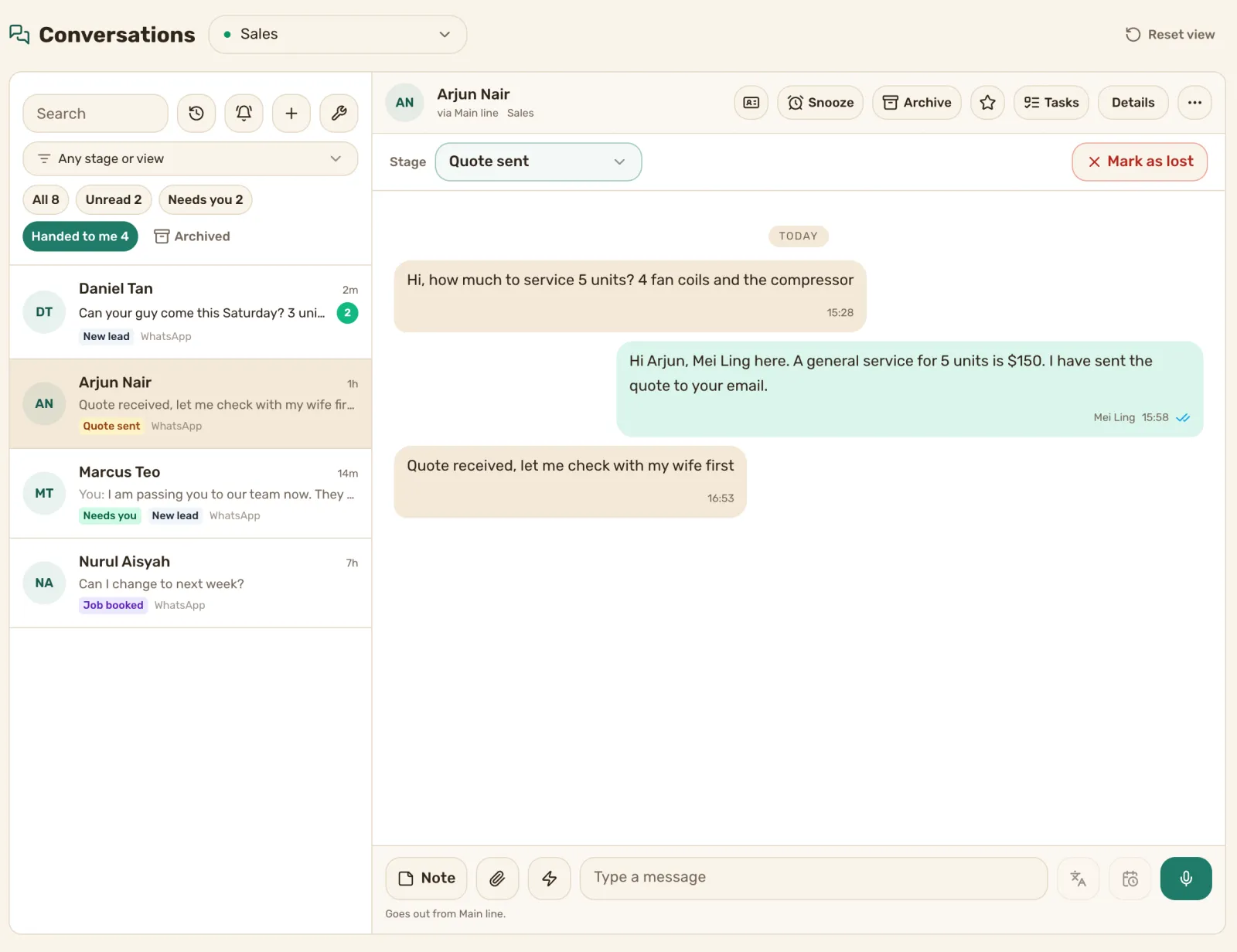
Tap Handed to me and the inbox shows only your chats. Your phone gets a push when a new one is handed to you.
See where every lead stands on the board
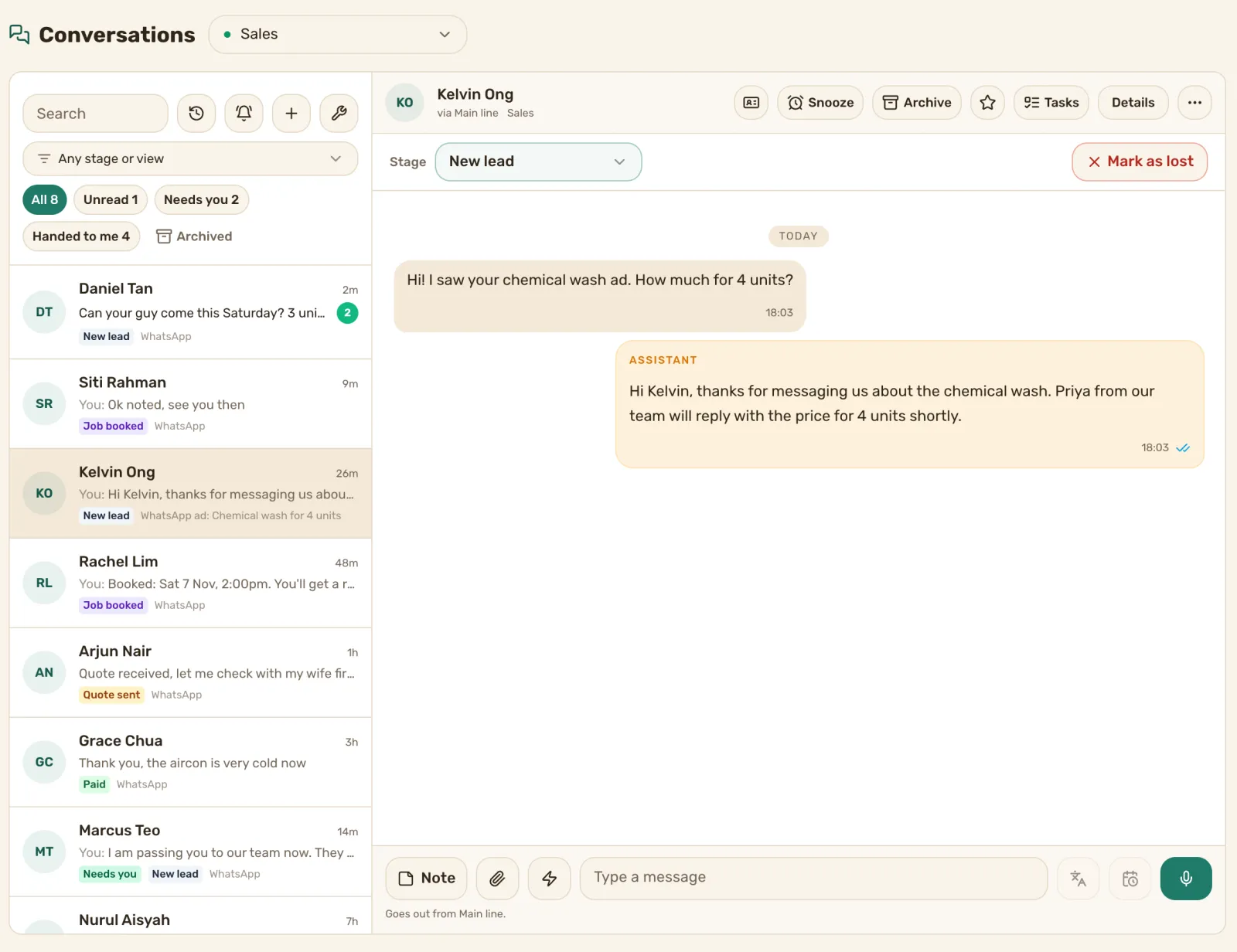
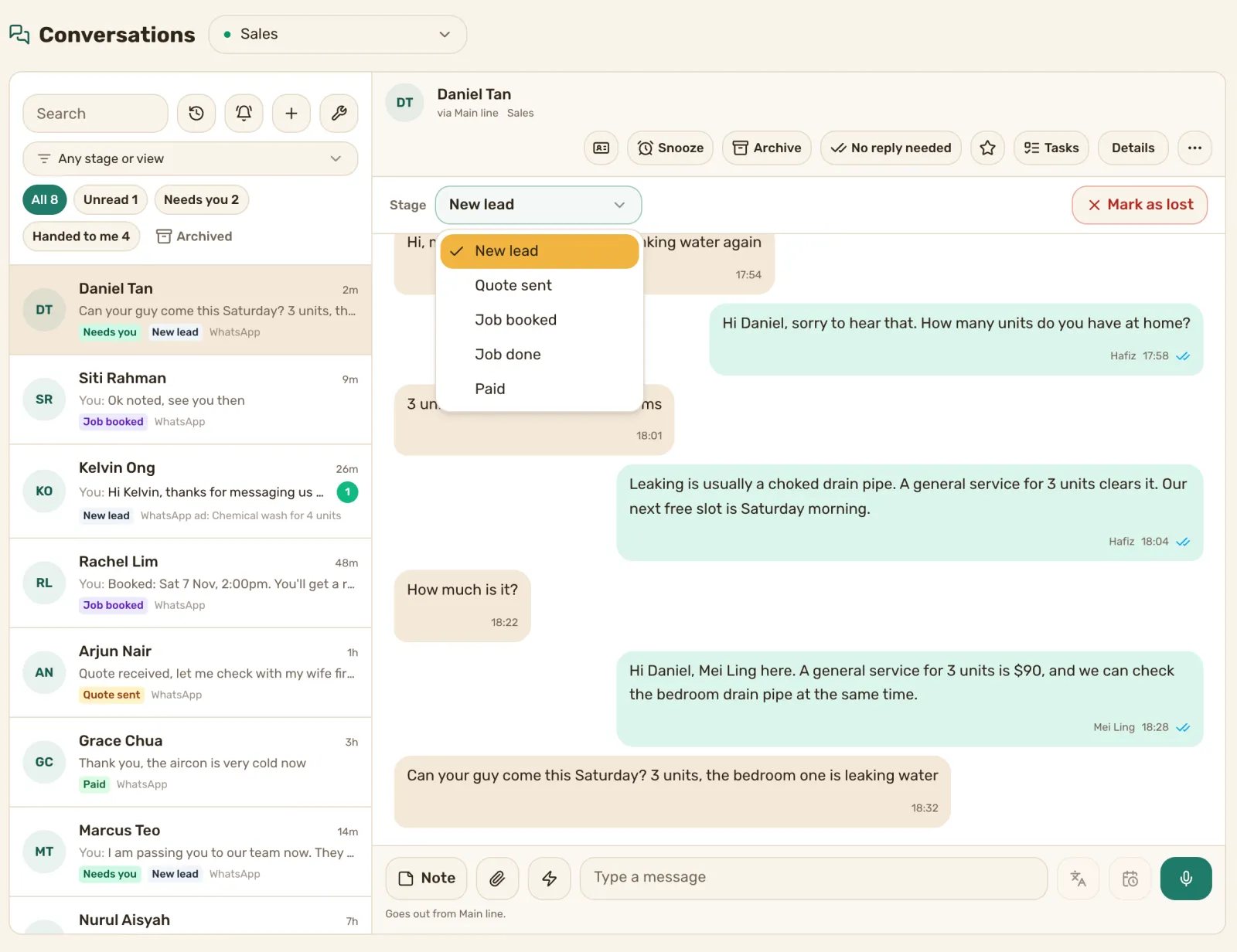
Every new chat lands on your job board as a lead, with their first message and the number they wrote to. The chat shows the lead’s stage, so you can tell new from quoted from booked without opening the board.
Turn Click-to-WhatsApp ad chats into jobs your team follows up
When someone taps the WhatsApp button on your Facebook or Instagram ad, the chat comes in named after the ad, and so does their lead on the board. A welcome message can go out and the chat can go to a person as soon as it arrives.
Want us to run the ads too? See our Facebook and Instagram ads service.
Here’s how we set you up
Book a demo call. Tell us who handles which kind of job.
We connect your number and set up the rule that hands out new chats.
Each person opens Handed to me and replies to their own chats.
What it costs
Prices are in Singapore dollars. The first price is on an annual plan, and month to month is in brackets.
- WhatsApp Inbox: S$119 a month (S$149). Chats assigned to a person, every chat filed against the lead, three people.
- WhatsApp AI agent for up to 3 numbers: S$990 a month (S$1,240). Chats assigned to the right person, a shared inbox for 10 people and an AI agent that replies first.
Questions
Can I choose who gets which chat?
Do chats from my ads get handed out too?
Is every chat saved against the lead?
Do I have to set up the rules myself?
Give every lead an owner. Book a demo call.
We’ll show you how a new chat gets handed out, on a call. See pricing
Already a customer? Find how-to answers or get support